Hover over the image to simulate a menu bar click experience
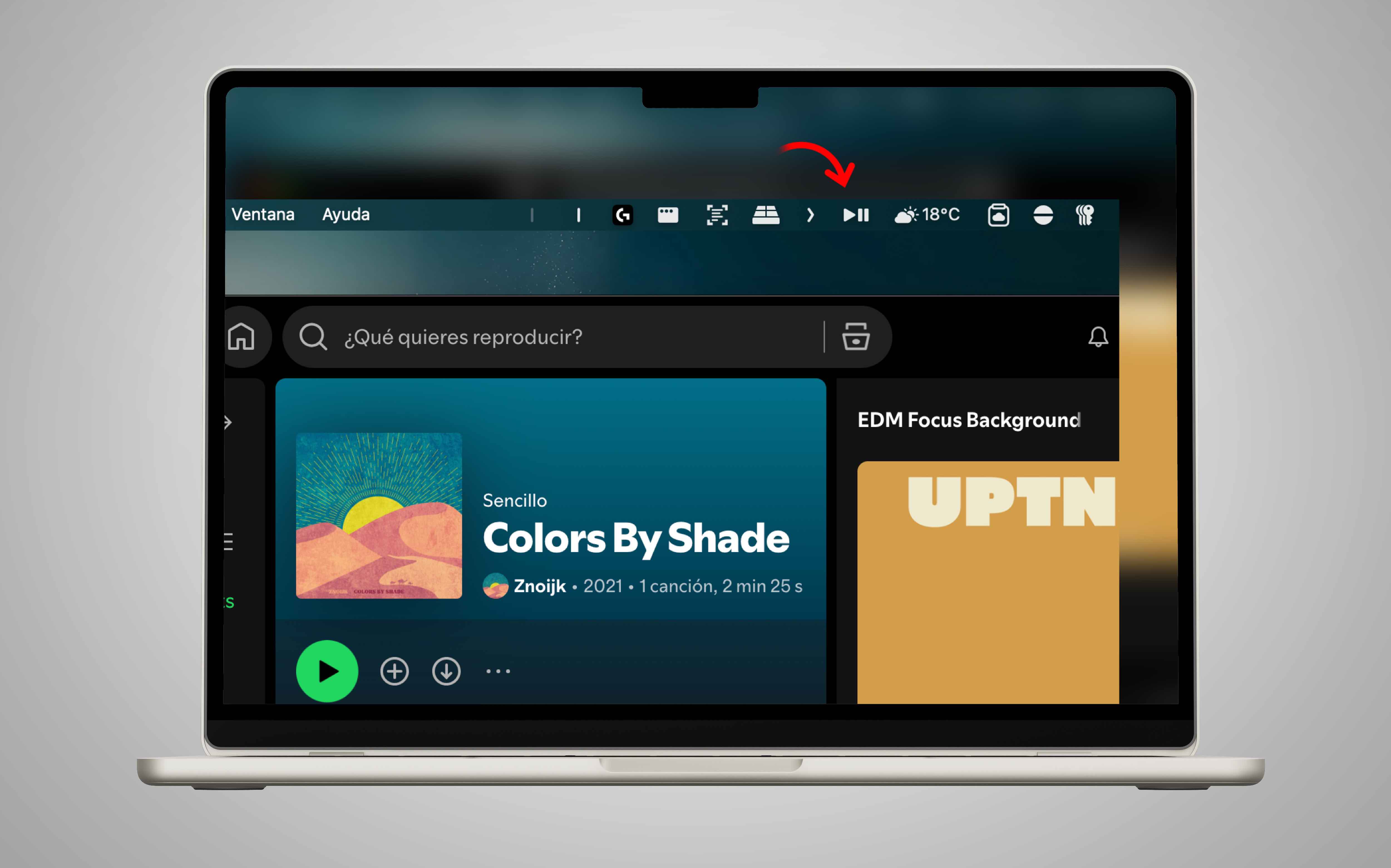
Stop digging through menus or switching windows just to pause your music. PlayPauseBar is a lightweight, ultra-minimalist utility that lives in your macOS menu bar, eliminating the "two-step" friction of the native Control Center.
Hover over the image to simulate a menu bar click experience
No dropdowns, no distractions. One raw hardware action to play or pause instantly without disrupting your browser, IDE, or terminal workspace.
Works seamlessly system-wide. Control Spotify, Apple Music, YouTube running in Safari/Chrome, or local standalone assets instantly.
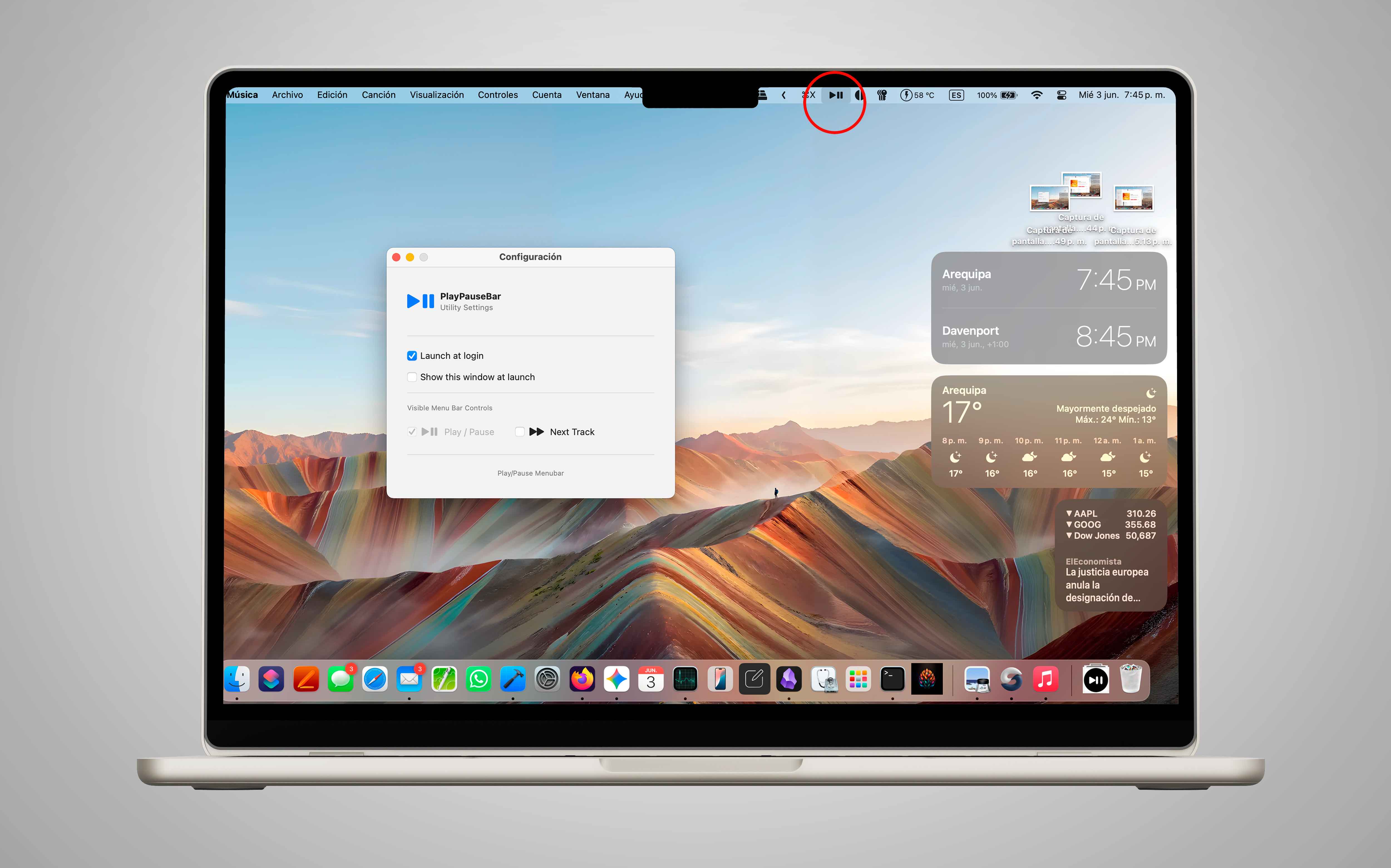
An elegant, native SF Symbol footprint that integrates natively with your macOS ecosystem aesthetics. Clean, clean execution.
Instant access to local behavioral rules and preferences on launch. Set it to auto-start with your Mac so it is ready when you are.
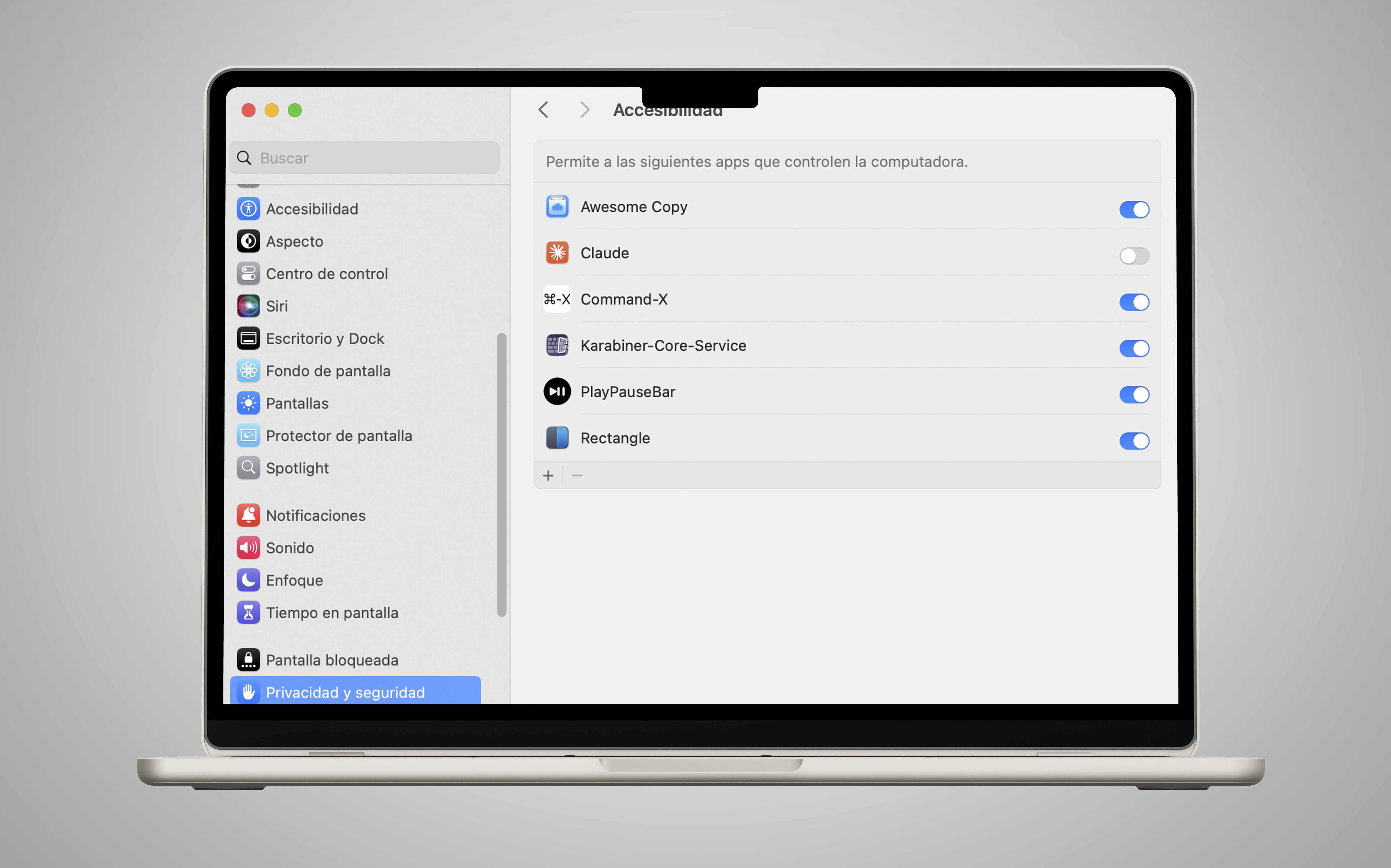
To provide instant hardware-level tracking control without background friction, macOS security policies require granting manual Accessibility permissions. After installation, please navigate to System Settings > Privacy & Security > Accessibility and toggle PlayPauseBar to enabled.